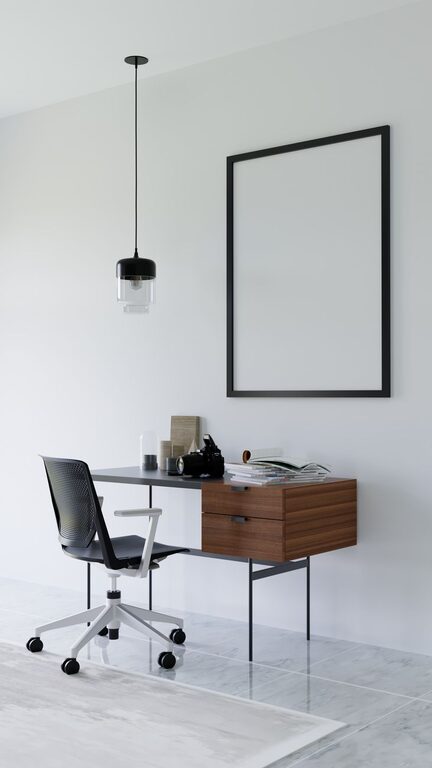

Spending significant time in front of digital screens has become a norm for many people, whether for work, study, or leisure. While screens offer convenience and access to information, prolonged exposure can lead to eye discomfort and strain. Fortunately, there are simple and effective ways to protect your eyes and maintain their health during extended screen use.
Understanding Digital Eye Strain
Digital eye strain, sometimes called computer vision syndrome, happens when your eyes get tired from intense screen use. Symptoms can include dryness, headaches, blurred vision, and neck or shoulder pain. These issues occur because screens make your eyes work harder due to factors like glare, poor lighting, and improper viewing distances.
Tips to Protect Your Eyes During Screen Time
1. Follow the 20-20-20 Rule
Every 20 minutes, look away from your screen and focus on something 20 feet away for at least 20 seconds. This helps relax the eye muscles and reduce fatigue.
2. Adjust Your Screen Settings
– Brightness: Match your screen brightness to the room’s lighting to avoid excess glare or dimness.
– Text Size and Contrast: Increase text size for comfort and use high-contrast settings to make reading easier.
– Blue Light Filters: Consider enabling blue light reduction settings or using screen protectors that filter blue light, which may help reduce eye strain, especially in the evening.
3. Optimize Your Workspace Lighting
Ensure your room is well-lit but avoid harsh overhead lighting or direct sunlight that causes screen glare. Using blinds or curtains to soften natural light and positioning your screen perpendicular to windows can minimize reflections.
4. Maintain Proper Screen Distance and Position
Keep your screen about an arm’s length away (20-24 inches) and position the top of the monitor at or slightly below eye level. This setup encourages a natural head and neck posture and reduces strain.
5. Blink More Often
Blinking moistens your eyes, preventing dryness and irritation. People tend to blink less when using screens, so consciously remind yourself to blink regularly or use artificial tears if needed.
6. Take Frequent Breaks
Stand up, stretch, and move around every hour. Giving your body and eyes a break helps reduce overall strain and encourages better circulation.
7. Use Anti-Reflective or Computer Glasses
If you wear glasses, ask your eye care professional about lenses designed to reduce glare and block blue light. These specialized glasses can make screen viewing more comfortable.
8. Keep Your Screen Clean
Dust and fingerprints can reduce screen clarity and increase eye strain. Regularly clean your screen with appropriate cloths to maintain clear visuals.
Lifestyle Habits to Support Eye Health
Beyond immediate screen-time adjustments, adopting healthy habits benefits your eyes in the long term:
– Stay Hydrated: Proper hydration helps maintain eye moisture.
– Eat a Balanced Diet: Foods rich in vitamins A, C, and E, as well as omega-3 fatty acids, support eye health.
– Get Regular Eye Exams: Regular check-ups can detect and address vision problems early.
– Manage Screen Time: Where possible, limit unnecessary screen exposure, especially before bedtime, to promote better sleep and reduce strain.
When to See an Eye Care Professional
If you experience persistent discomfort, eye pain, blurred vision, or headaches despite following preventive measures, consult an eye care specialist. They can assess your vision, recommend treatments, or prescribe corrective lenses if needed.
Final Thoughts
Protecting your eyes during screen time is important for comfort and long-term vision health. By incorporating these practical tips into your daily routine, you can reduce eye strain and enjoy your digital activities with less discomfort. Remember, small changes can make a big difference in maintaining healthy eyes in our screen-driven world.
About the Author